Where your work lives.
A card for every piece, and the whole path from throwing to finish — photos, notes, the kiln — on one shelf. That’s the reason Clay Studio exists.
7 days of Pro, no card · iPhone & Android
The shelf. Then the whole life of a piece.
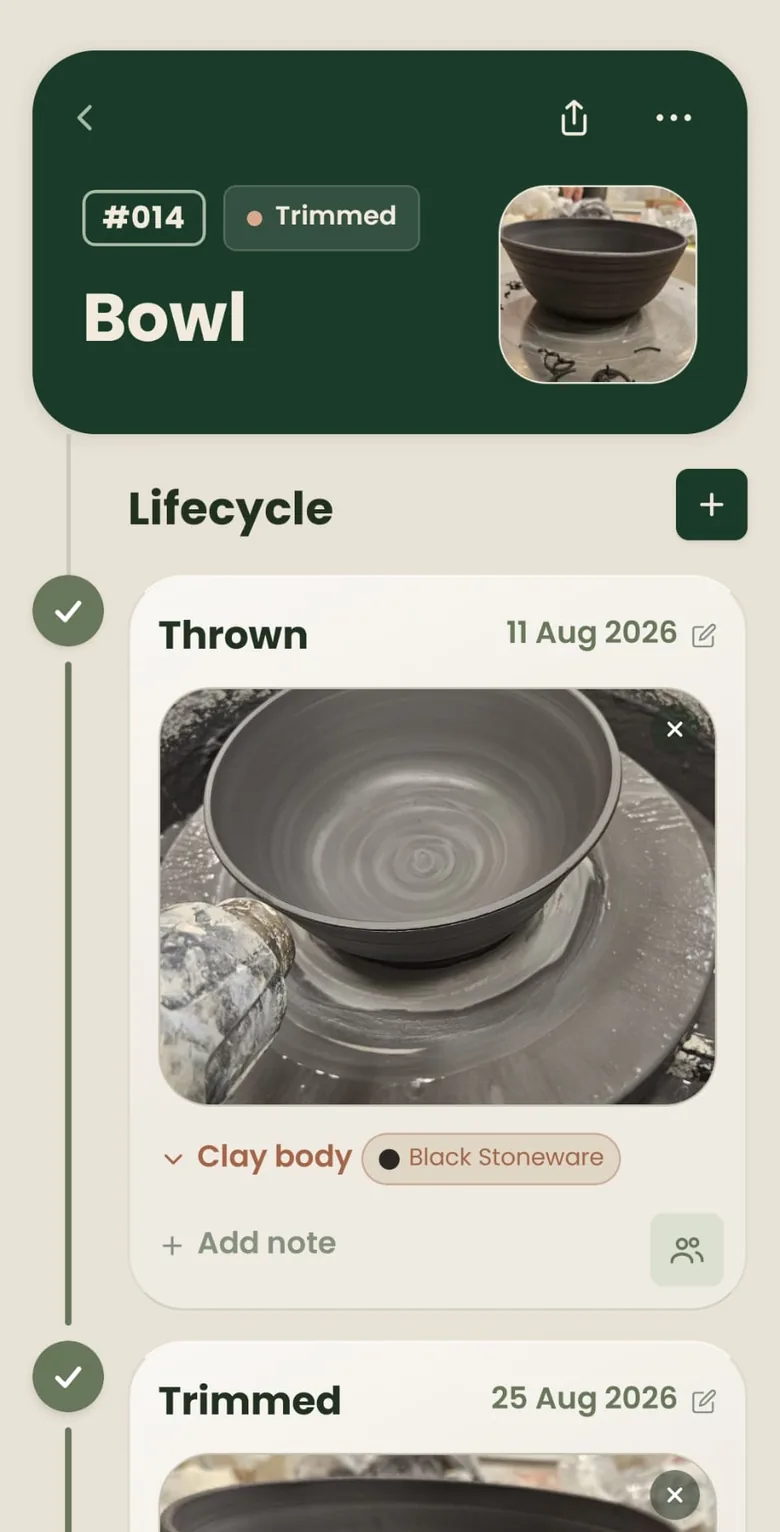
Tap a card and you’re in the lifecycle — throwing, trimming, glazing, kiln, finish. A photo and a note at each stage. Optional firings sit in the same spine when a piece needs them. Batch a set and it stacks as one card.
-
The piece
Throwing
On the wheel or by hand. A photo, a clay body, a note if you want one.
-
The second pass
Trimming
Foot, rim, the shape you meant. Each stage holds its own photo.
-
From your own jars
Glazing
Chosen from the palette you already keep — and from the recipes behind those colours.
-
The fire
Kiln
In the kiln, dated. The shelf shows which pieces are firing now. In the kiln.
-
On the shelf
Finish
Signed, dated, and resting with the rest of the work.
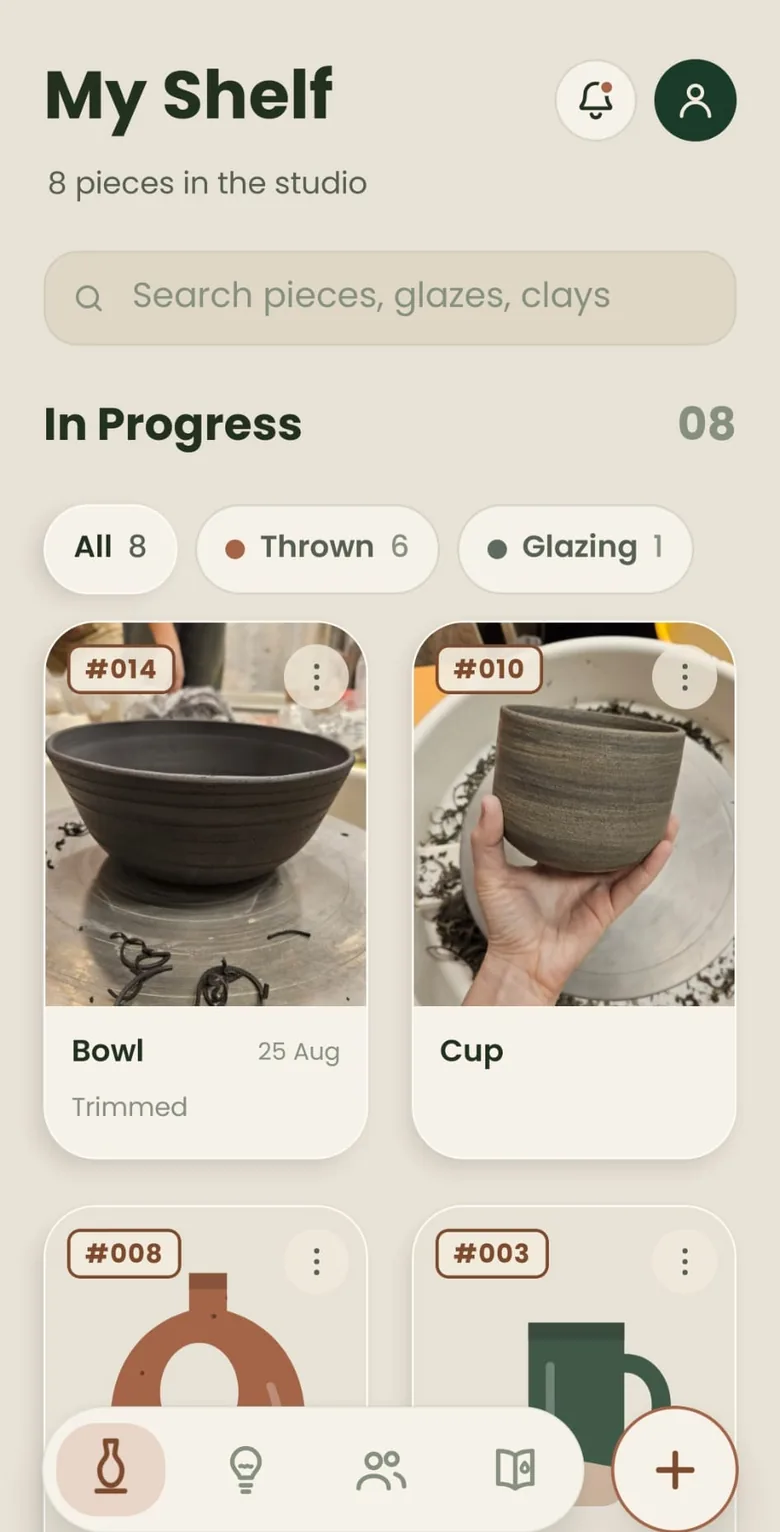
Hands dusty. A glance is enough.
The Shelf groups what’s in progress, what’s in the kiln, and what’s finished. Each card opens the piece — not a form, the work itself.
-
A card for every pieceNumbered, named when you want, stacked as a batch when you’re throwing a set.
-
Photos and notes at every stageWatch a piece change from wet clay to fired glaze, in the colours of that stage.
-
Yours, on this phone and the nextWritten to the device first. Signed in, the shelf is backed up so a new phone doesn’t lose it.
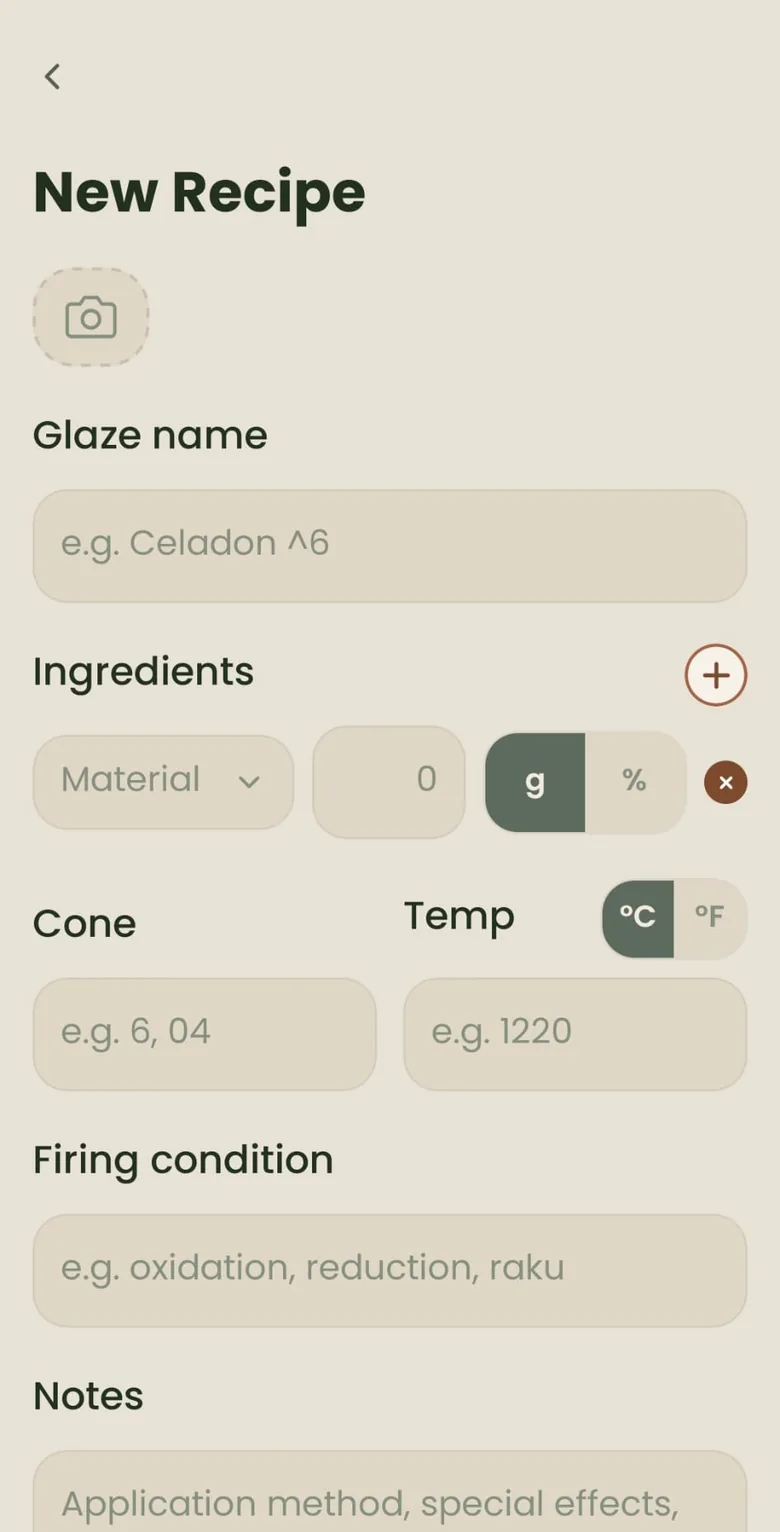
Which recipe made that result.
Glaze Memory is a synced recipe book — ingredients, cone, test-tile photos — linked to the colours you put on pieces. It turns the shelf into a reference: you can trace which recipe made which pot, not just that you glazed it.
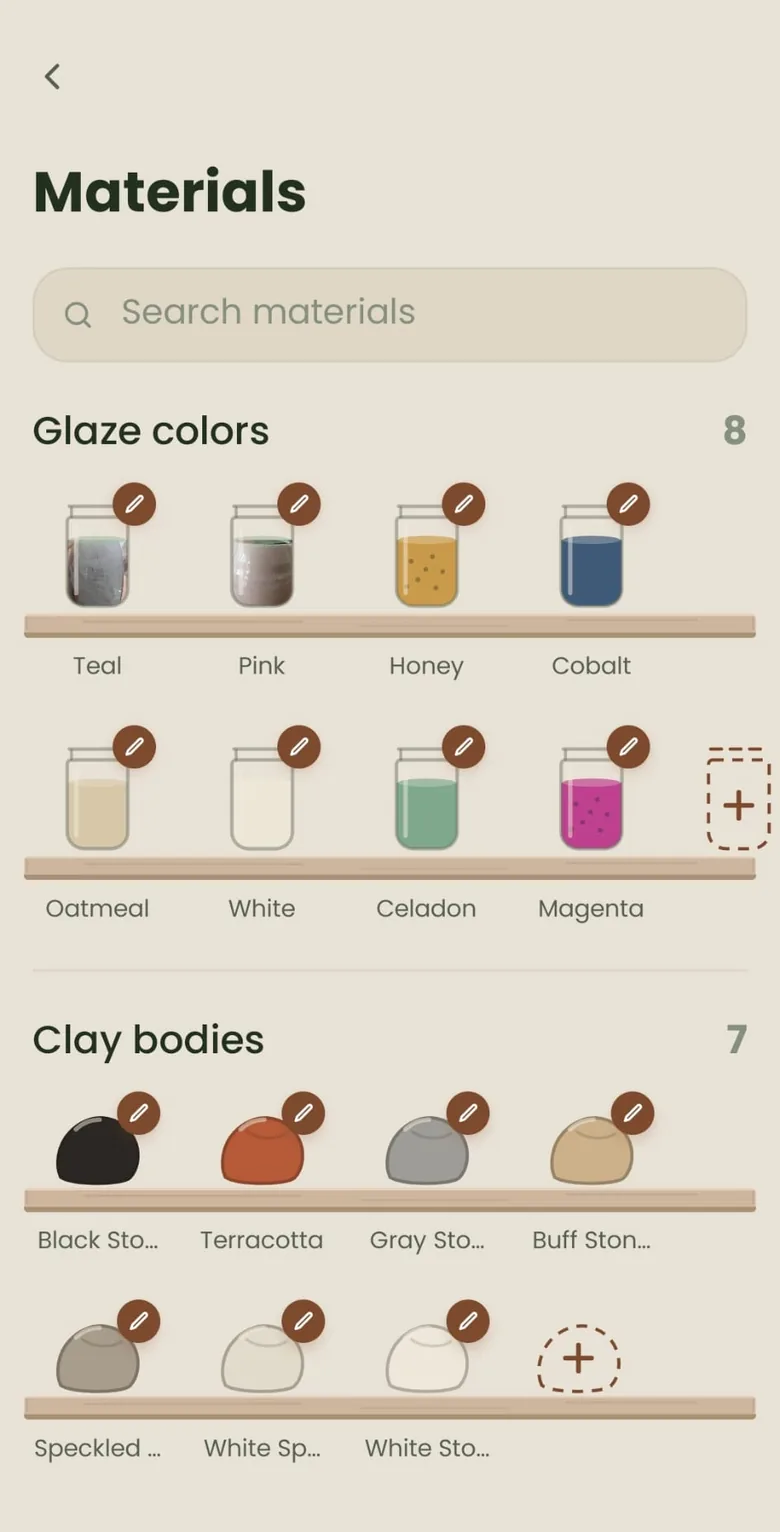
The fired photo is the answer.
While you pick a glaze, Clay Studio shows the last pieces you fired in that combination — your own pots, not a guess. Search the Shelf by glaze, clay, or recipe the same way.
-
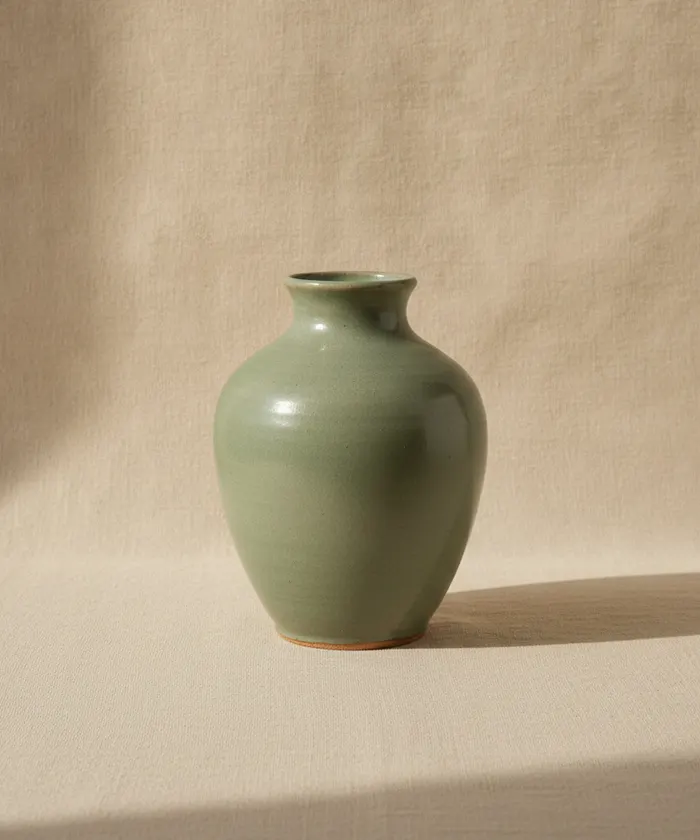
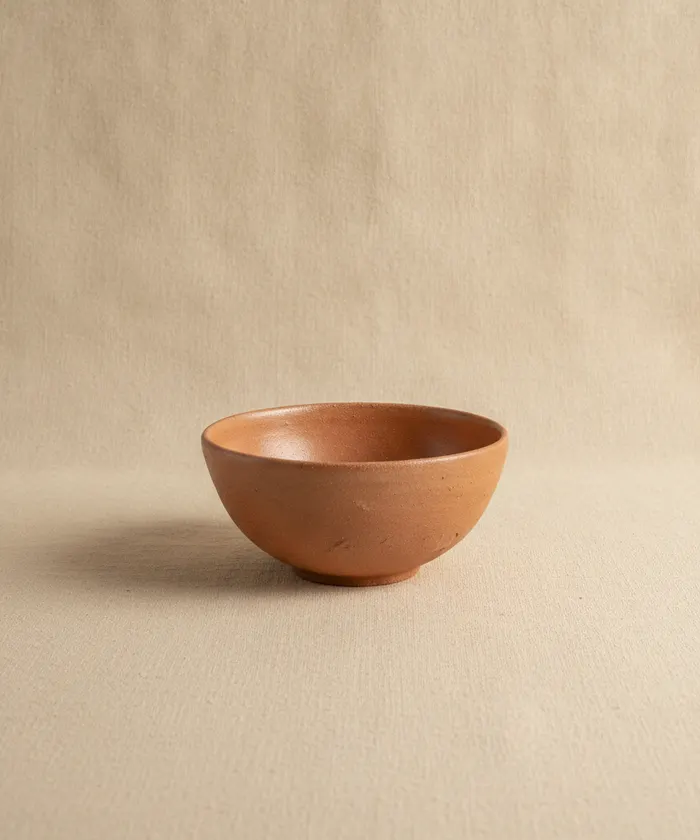 Bowl · #012 Celadon recipe · on buff
 -
 Mug · #018 Same recipe · speckled
 -
Vase · #009 On porcelain · two coats
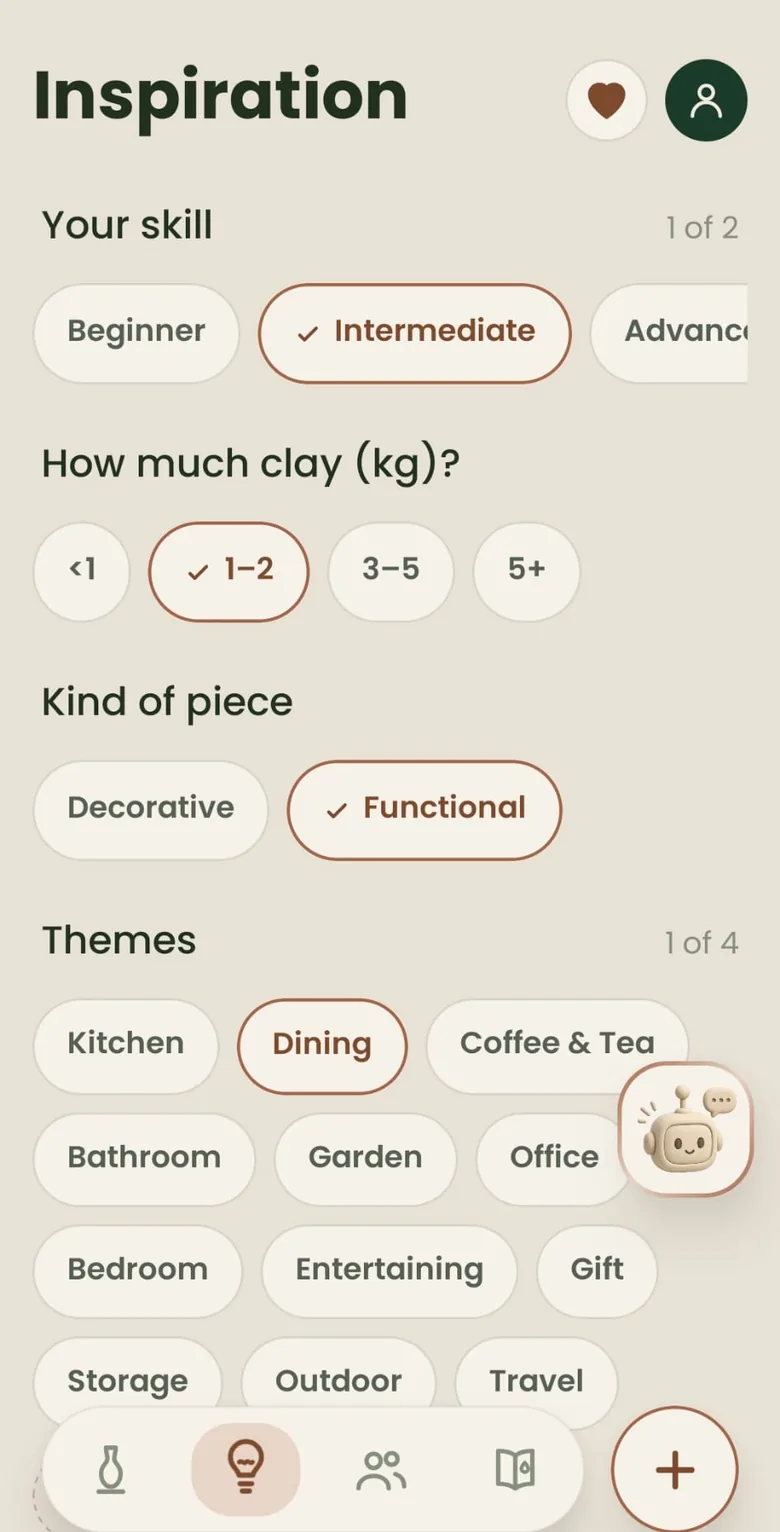
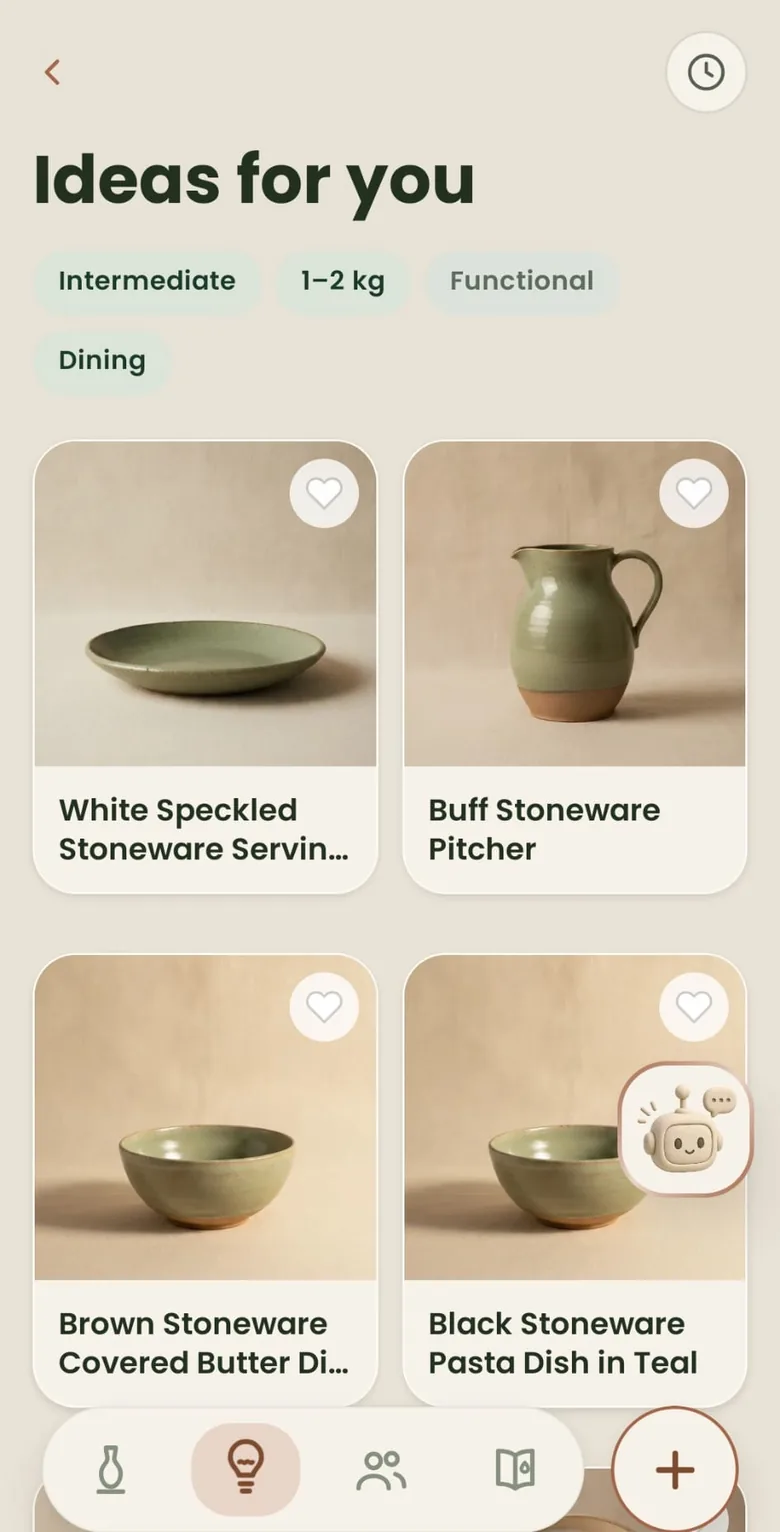
Stuck? Four questions, then a grid.
Inspiration asks only what matters: your skill, how much clay you have, the kind of piece, and a theme. The grid that comes back is written for your studio — photos, material notes, work you could actually throw.
- Your skillBeginner through expert
- How much clayUnder a kilo, up to five and more
- Kind of pieceFunctional or decorative
- ThemesUp to four, if you want them
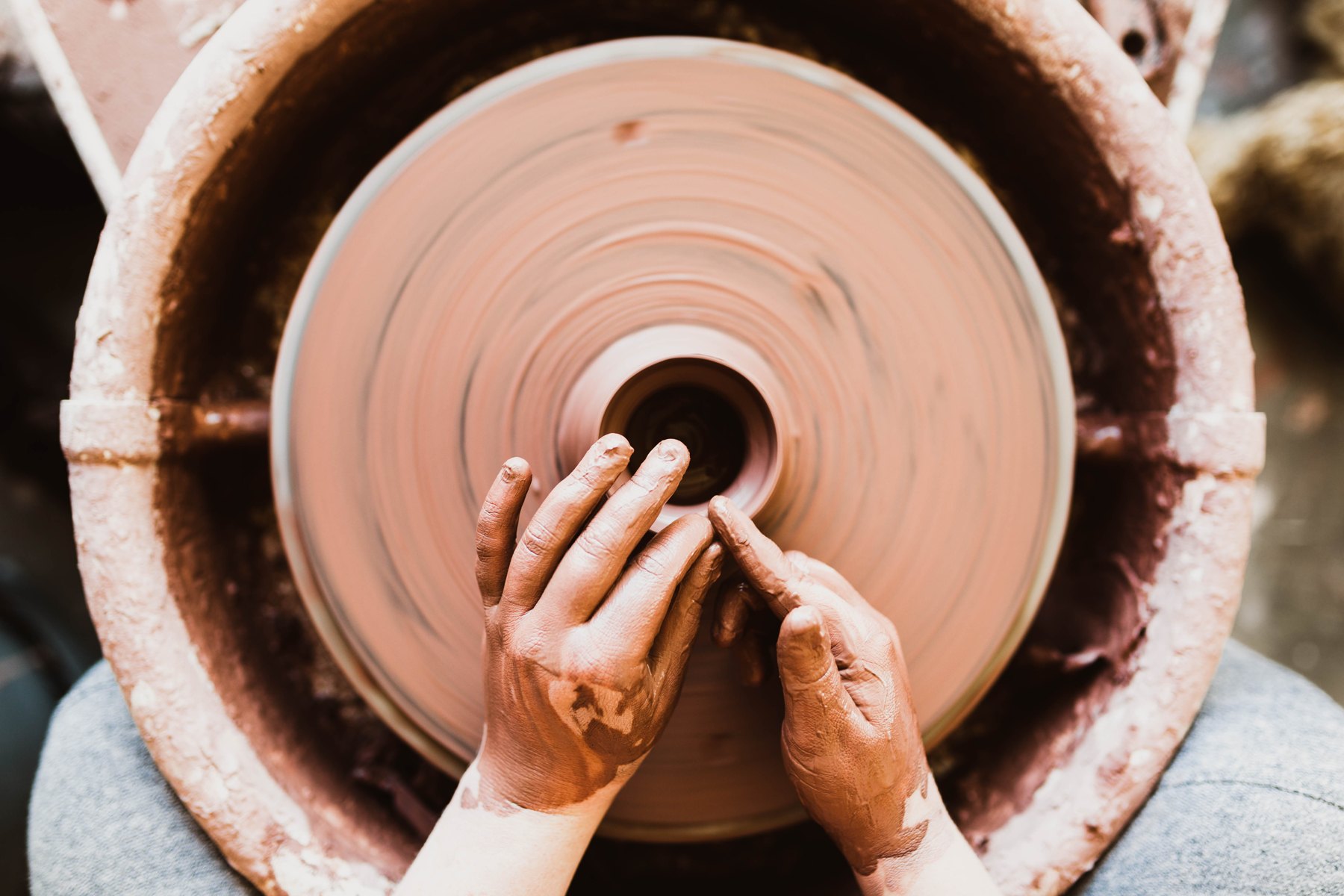
Made by hand. Kept with care.
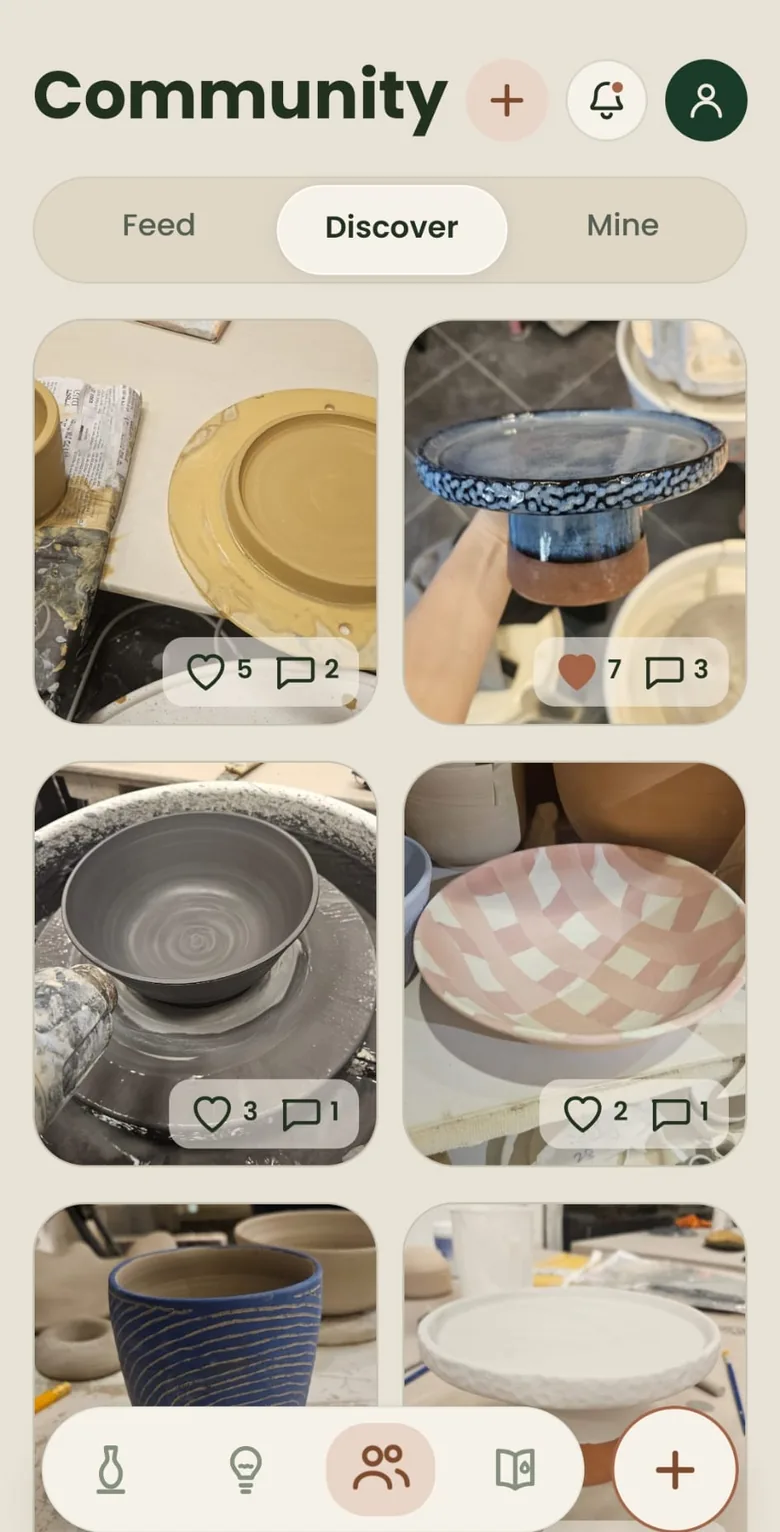
The shelf is the record. Community is optional — Feed, Discover, Mine. Posts carry the glaze and the clay. Follow and block. Nothing leaves the studio unless you post it.
A studio that stays out of the way.
- Works without a connection
- Everything you make is written to the phone first. The app keeps working in the studio, signal or not.
- Backed up when you sign in
- Pieces, photos, glazes, recipes and saved ideas sync to your account, so a new phone doesn’t start from nothing.
- A week of the full studio
- Sign in with email, Google or Apple. A calm tour, then seven days of Pro — recipes, unlimited pieces, the lot — with no card. After that, what you made stays yours.
- We don’t sell your data
- No ads, no selling, and your photos are never sent to an AI service. The privacy policy says the same thing at length.
We read every message.
A bug on the shelf, an idea that would save a firing, a question at 11pm. We’re a small studio. Write it down.
Something broken?
What happened, what you expected, and the build stamp under the wordmark on the splash. That last one halves the hunt.
An idea for the studio?
If it would help your own shelf — a missing stage, a glaze you can’t record, a quieter way to work — we want it.
Start your shelf.
Seven days of Pro, no card. Make something today; log it tonight. The pieces you start stay on the shelf when the trial ends.
Terms of Use (EULA): https://www.apple.com/legal/internet-services/itunes/dev/stdeula/
Privacy Policy: https://claystudio.pro/privacy